
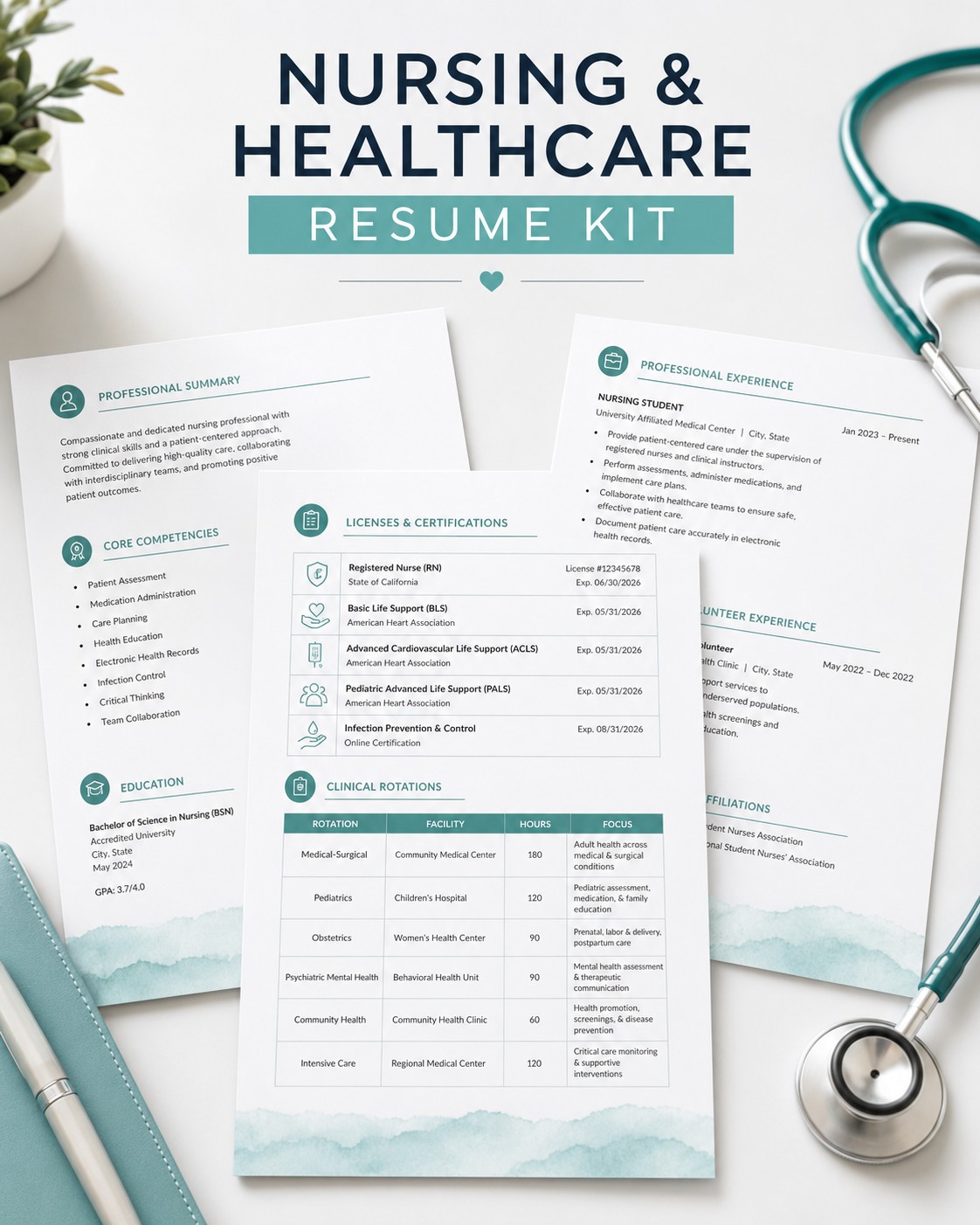
A document has to survive the trip.
Between your machine and the person deciding, a resume passes through software, a quick visual scan, and someone else's screen. Here is what that journey tends to do to a layout.
Software often reads it first
Applications submitted through a company portal are commonly routed through an applicant tracking system, which extracts the text before a person opens the file. Tables, text boxes, sidebars and multi-column grids are the structures that give text extraction the most trouble — content can come out in a different order from the one you see on screen.
The first human pass is a scan
Before anyone reads a resume properly, they skim it — most recent title, employer, dates, then whatever is visually loudest. A layout with a flat hierarchy gives that skim nothing to anchor to, and a decorative header can end up being the most prominent thing on the page.
It opens on someone else's machine
An editable document can reflow on a different computer. A font you have installed gets substituted, spacing shifts, and a tidy one-page layout arrives as two pages with a heading stranded at the bottom. Exporting to PDF is what fixes the page in place — and that only works predictably if the file was built to export cleanly.
None of that is a writing problem. It is a construction problem, and it is worth solving once rather than on every application.
Pick a template
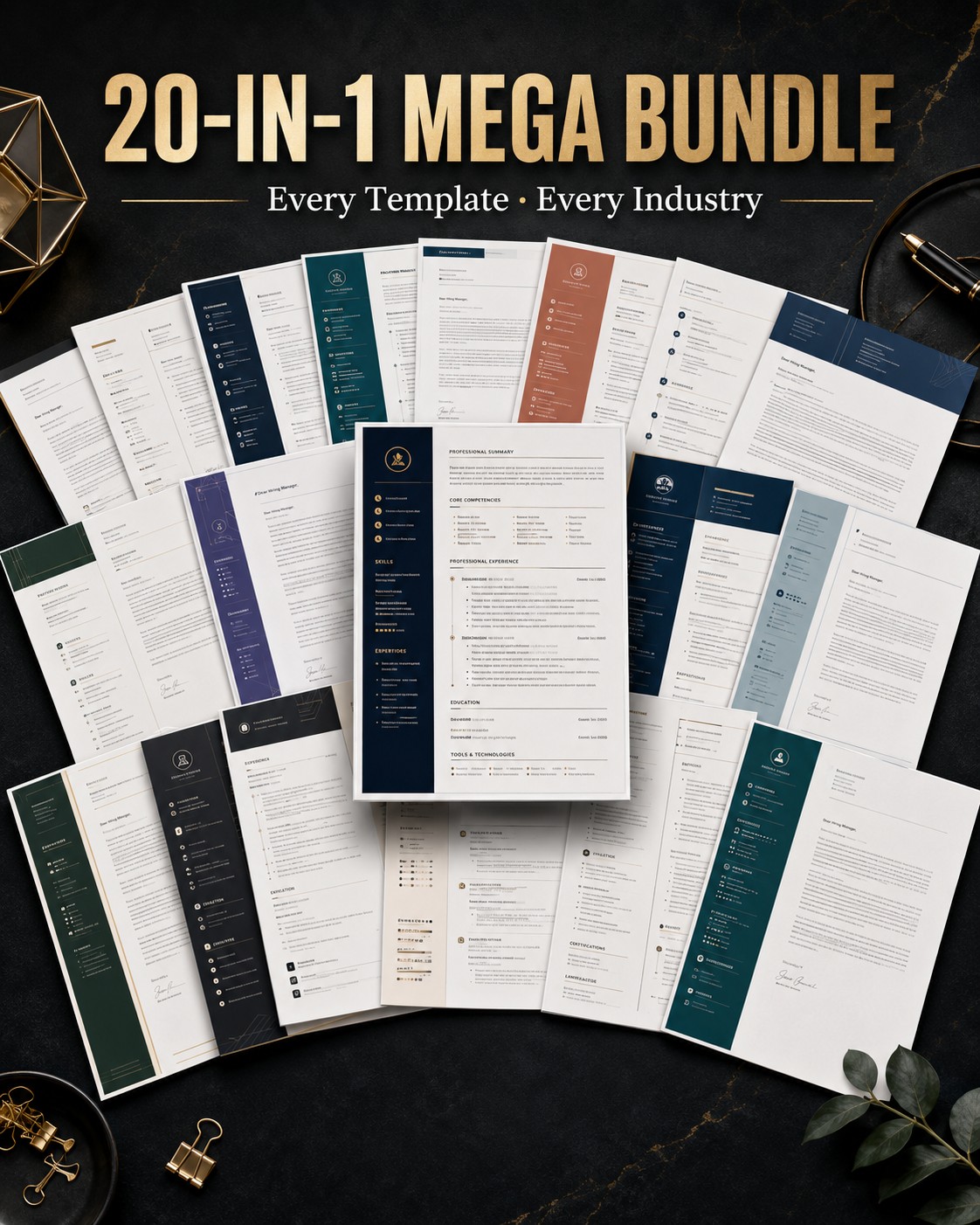
Browse by career stage or by document type. Every listing shows the layout in full, so you know what you are buying before you buy it.
Download instantly
Your files unlock as soon as payment clears, and a download link is emailed to you. Nothing ships and nothing is queued.
Fill it in
Open it in Microsoft Word, Google Docs or Apple Pages. Every section carries a writing prompt, so you are replacing placeholder text rather than facing a blank page.
Export and apply
Save as PDF and send. Exporting fixes the fonts, spacing and page breaks so the file opens the way you saved it.
What you get.
One download, with the same layout supplied in every format you might need in order to edit it.
See what's availableFour formats, one layout
Edit wherever you already work. No proprietary editor, no subscription, and no watermark on the finished document.
Microsoft Word
Editable .docx — the format most application portals accept
Google Docs
Copy to your own Drive and edit in the browser
Apple Pages
Native Mac editing, included in most packs
PDF export
The fixed version you attach to an application
The parts nobody warns you about
Executive & senior leadership
Built for a long history. Room to describe scope, budget and headcount without the page turning into a block of unbroken text.
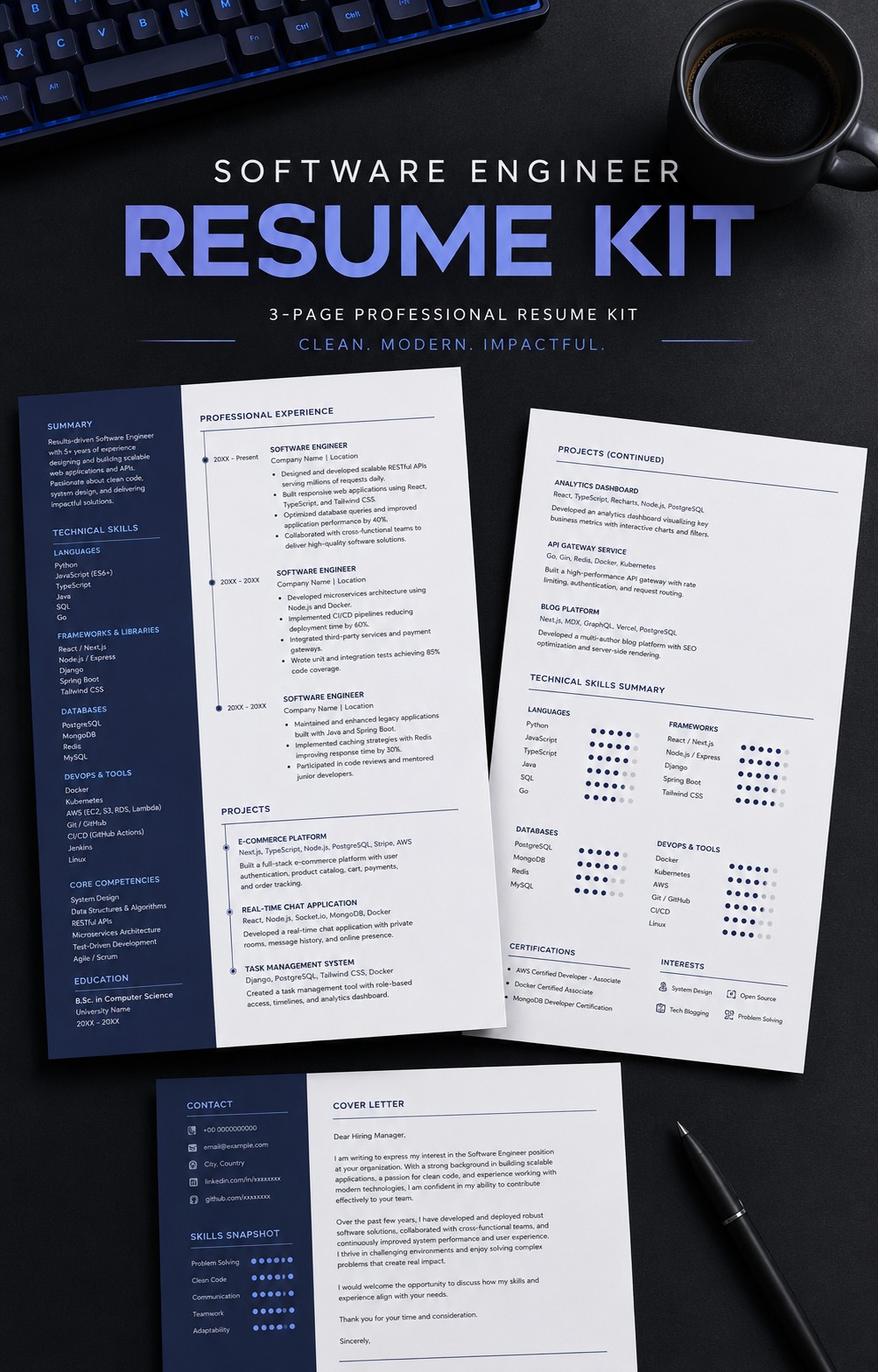
View templatesTech & engineering
A skills section set as plain text rather than a graphic or a table, plus space for projects and shipped work alongside job history.
View templatesCreative & portfolio roles
More visual character in the headings and spacing, while the body content stays single-column and plain-text underneath.
View templatesGraduate & entry-level
Structured for a short history — education, coursework, internships and skills carry the page while experience is still building.
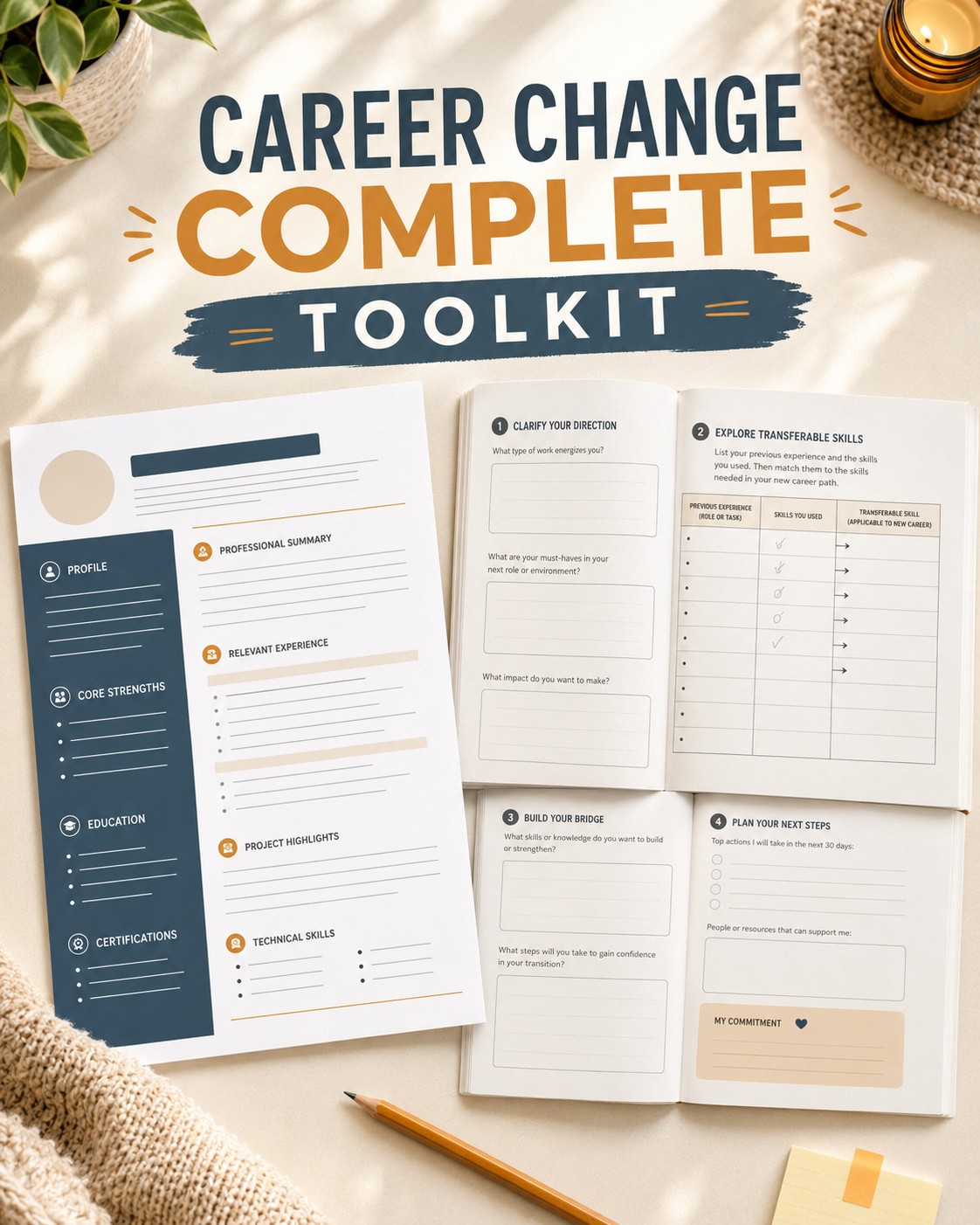
View templatesCareer change
Ordered so transferable skills sit above the job history, rather than leading with a title that no longer matches your direction.
View templatesAnyone writing a cover letter
Matching letter layouts for every stage above, sharing the same typography and header as the resume they go with.
View templatesNo subscription, no surprises.
Everything sold here is a digital download. You pay once, the files are yours, and there is nothing recurring to cancel later.
Questions before or after you buy go to a real inbox. Send us a message and we will answer.
Spend your time on the words, not the margins.
Pick the layout that matches where you are in your career, download it now, and send your next application today.